Private ZEC Payments Made Simple
Send and receive ZEC online, use shielded Zcash addresses, manage private crypto payments through the browser, and maintain full control over wallet access and recovery data.

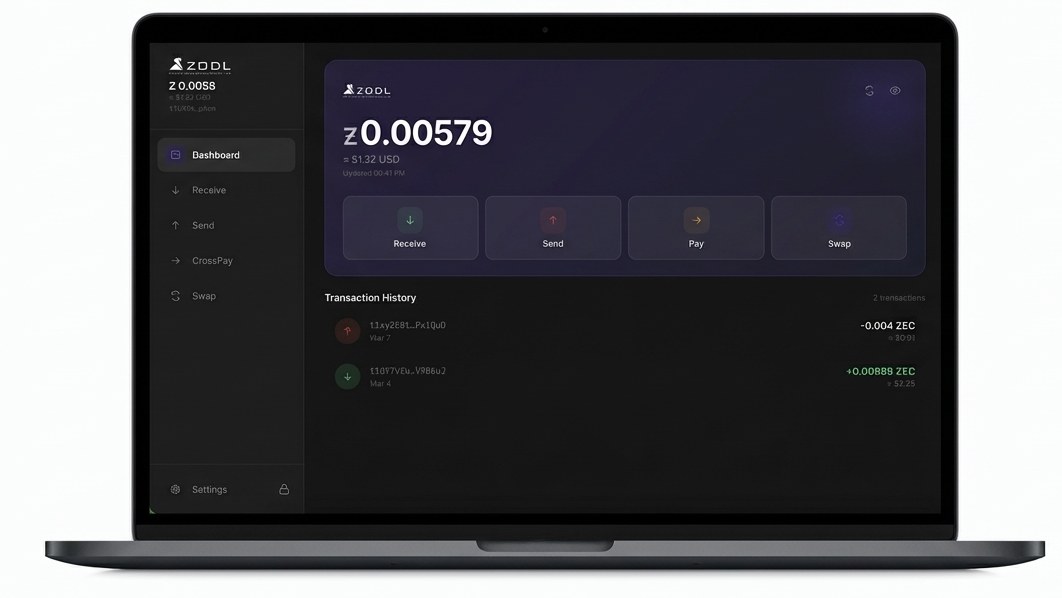
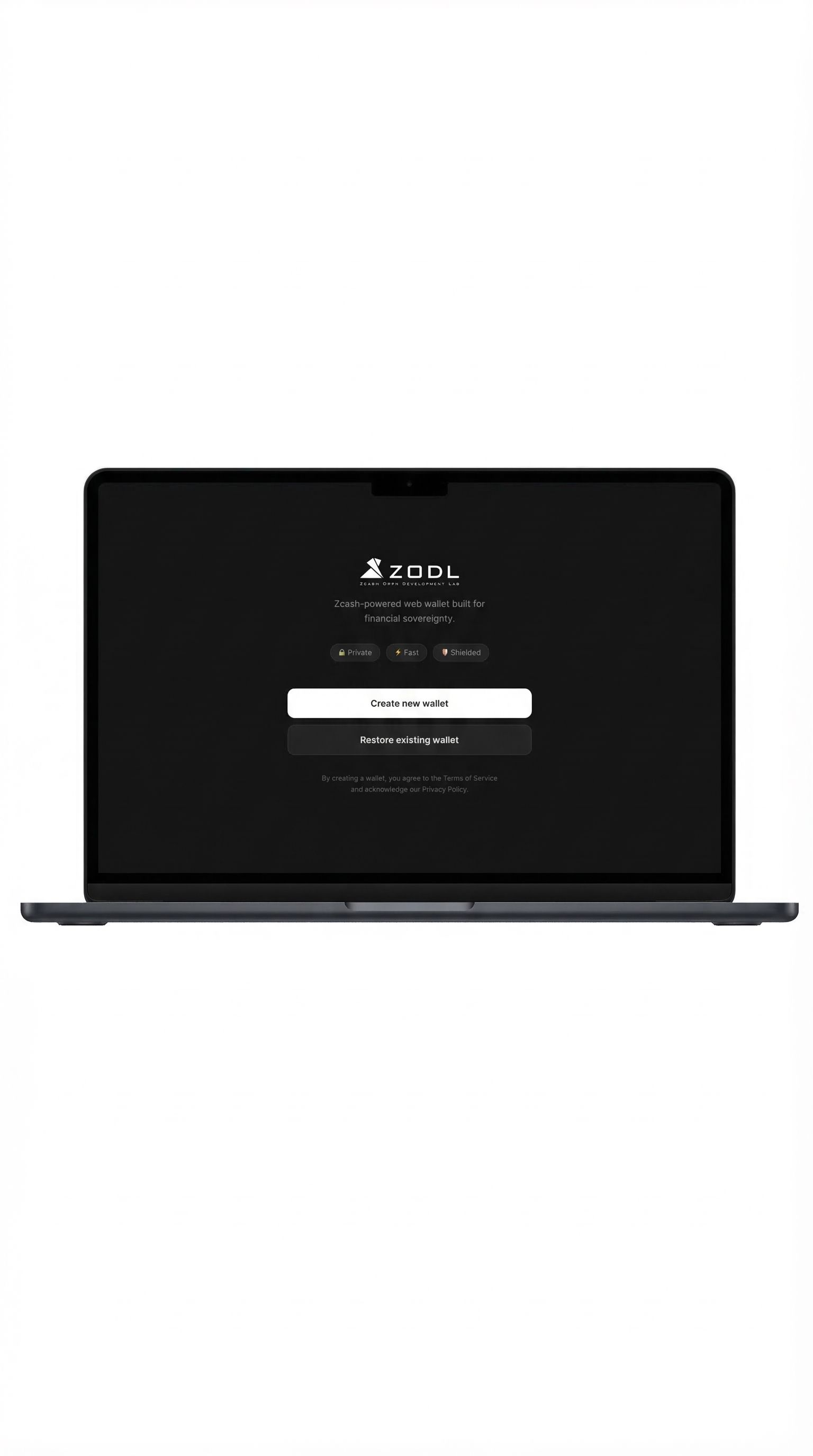




Zodl Wallet is a self-custodial Zcash web wallet built for fast and private ZEC transactions. Send and receive shielded Zcash payments directly from your browser without downloading software or relying on third-party custody. Learn more about using a Zcash Web Wallet for browser-based ZEC management.
Designed specifically for the Zcash ecosystem, Zodl combines browser accessibility, privacy-focused infrastructure, and simplified wallet management in one lightweight experience.
Send and receive ZEC online, use shielded Zcash addresses, manage private crypto payments through the browser, and maintain full control over wallet access and recovery data.
Zcash is one of the leading privacy-focused cryptocurrencies. Zodl Wallet makes shielded transfers more accessible through a modern self-custodial web wallet.
Access your ZEC wallet from desktop or mobile devices using a fast and lightweight browser interface. No blockchain download is required.
Shielded transactions are private Zcash transfers that help conceal sensitive blockchain data, including wallet addresses and transaction amounts. These privacy protections are one of the core features that make Zcash different from transparent cryptocurrency networks.
Zodl Wallet is a browser-based Zcash wallet designed for shielded ZEC transactions, self-custodial wallet management, and private cryptocurrency payments.
Shielded transactions are private Zcash transfers that help conceal wallet addresses and transaction amounts on the blockchain.
Yes. Zodl Wallet is designed around self-custody principles, allowing users to maintain control over wallet access and recovery information.
No. Zodl Wallet works directly through the browser and does not require downloading or syncing the full blockchain locally.
Yes. Zodl Wallet is accessible through modern desktop and mobile browsers.